
UI/UX Design
Beautiful, Intuitive Interfaces
Our design team creates beautiful, intuitive interfaces that users love. We focus on user-centered design to ensure your product is both functional and aesthetically pleasing.
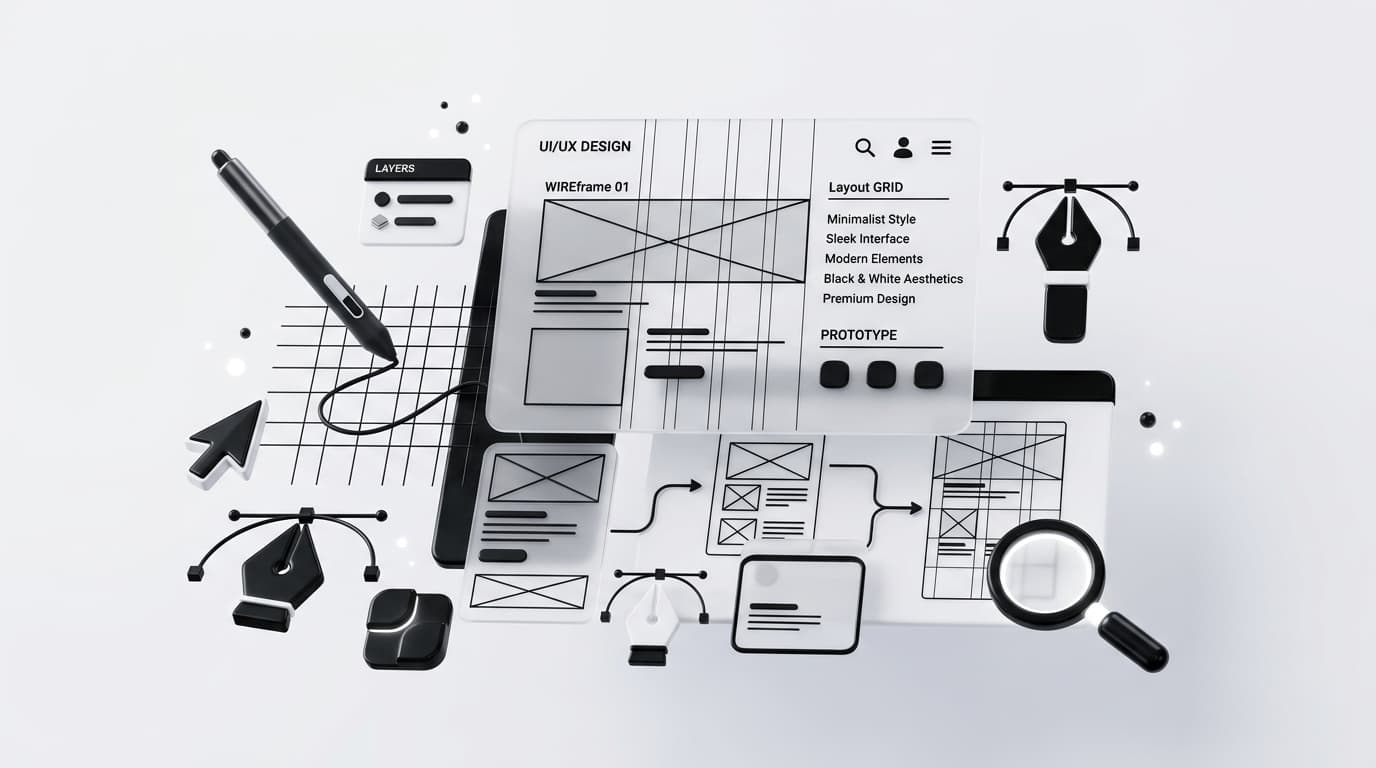
Overview
Our design team creates beautiful, intuitive interfaces that users love. We focus on user-centered design to ensure your product is both functional and aesthetically pleasing.
What You Get
- A design system in Figma, structured as reusable components
- Interactive prototypes covering the flows that matter
- Accessibility decisions documented against WCAG 2.2 AA
- A responsive specification covering real breakpoints and content
- Developer handoff with tokens exported for implementation
- Usability findings from testing with real participants
Execution Methodology
Research the problem before drawing anything
Interviews, analytics and support tickets tell you where the actual friction is. Designing before that reliably produces work that is polished and solves the wrong problem.
Structure the interface, then style it
Layout, hierarchy and flow get settled first. Visual styling applied to an unresolved structure just makes the problems harder to see.
Test with people who are not your team
Internal review tells you what the team expects. Usability testing with actual users tells you what works. These are different questions and only one of them is useful.
Hand off a system, not a folder of screens
Components with clear states and constraints survive contact with development. Static mockups do not, and they get reinterpreted differently by every engineer who touches them.
Core Features
Business Impact
Technology Stack Rationale
Figma
The practical default for interface design. Shared libraries, variants and auto-layout map well to component-based code, and the designer and engineer can work in the same file.
Component-based design systems
Screens drawn as components rather than fixed layouts is what makes a design system enforceable in code. It also means redesigns touch a component once instead of four hundred screens.
Interactive prototypes
Testing a static screen tells you whether people like it. Testing a working flow tells you whether they can complete it, which is the question that actually predicts conversion.
Design tokens
Spacing, type scale and colour exported as values rather than eyeballed. This is what keeps implementation visually consistent six months later when the original designer has moved on.
Ideal Profile
- Products with high drop-off in a specific step of the funnel
- Teams whose design and engineering output has drifted apart
- Companies preparing a redesign without a clear hypothesis
- Startups that need to validate an interface before funding the build
Frequently Asked Questions
Do you design and build, or just design?
Both, as one team. The people who make design decisions stay involved through implementation, which is where most design quality is lost. It also means we can tell you honestly when a design is expensive to build.
What tools do you use?
Figma as the primary tool, with a documented component library and exported design tokens so implementation stays consistent with the design.
Is accessibility included?
Yes, targeting WCAG 2.2 AA. We handle contrast, focus order, keyboard navigation, screen reader labelling and reduced motion. It is cheaper to build in than to retrofit.
Will you work from an existing brand?
Yes. We extend existing brand systems into a usable product interface rather than reinventing the identity, and we flag the cases where a brand guideline genuinely conflicts with usability.
Architect a Solution
Engage with our engineering team to outline a robust, scalable architecture tailored to your specific parameters.
Initialize ConsultationParameters
Adjacent Capabilities
Explore integrated solutions across our ecosystem.